
The solution
UniPilot merges student life into a stream-lined mobile hub built for efficiency, focus, and a distraction-free user experience.
-
Contextual "Today" Hub: Real-time timetable feed showing current class, building/room code, and next location.
-
Smart Deadline Tracker: Visual countdowns and milestone progress bars tied directly to course modules.
-
Integrated Focus Timer: Study sessions log hours directly against course credit goals via lock-screen widgets.
-
Accessible Design System: Built on an 8pt spatial grid, WCAG AA contrast standards, and an AMOLED-friendly dark mode for late-night study sessions.

UniPilot is an all-in-one academic planner and student companion designed to bring order to university life. It centralizes schedules, deadlines, course requirements, and focused study routines into a single intuitive interface, eliminating the friction of balancing multiple fragmented campus tools and calendars.
The problem
University students juggle fragmented tools—disjointed LMS portals (Canvas, Blackboard), standalone calendar apps, and separate study timers. This disconnect leads to missed assignment deadlines, schedule confusion, and high cognitive fatigue.
Takeaway
Students don't need a sprawling enterprise tool; they need immediate answers to "Where do I need to be?" and "What's due next?" High-contrast visual hierarchy and zero-friction micro-interactions turned a utility app into a daily habit. As the sole product designer, I led the end-to-end redesign over 3 months using Figma and FigJam to architect a scalable design system, restructure information architecture, and elevate visual clarity.
Gallery
Visual highlights from the project


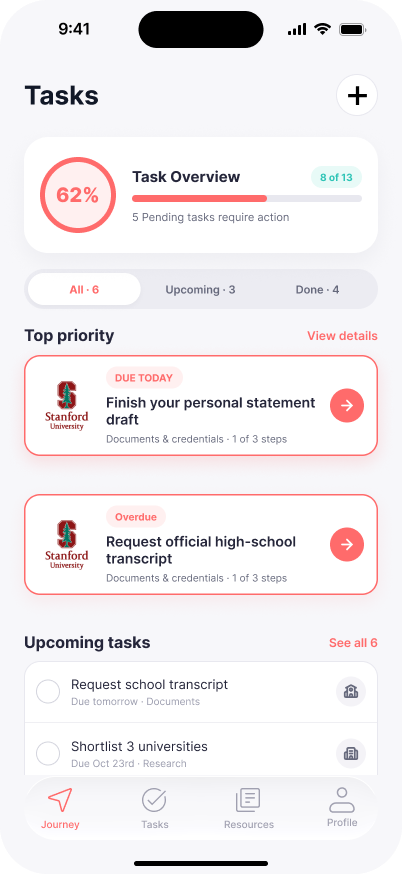
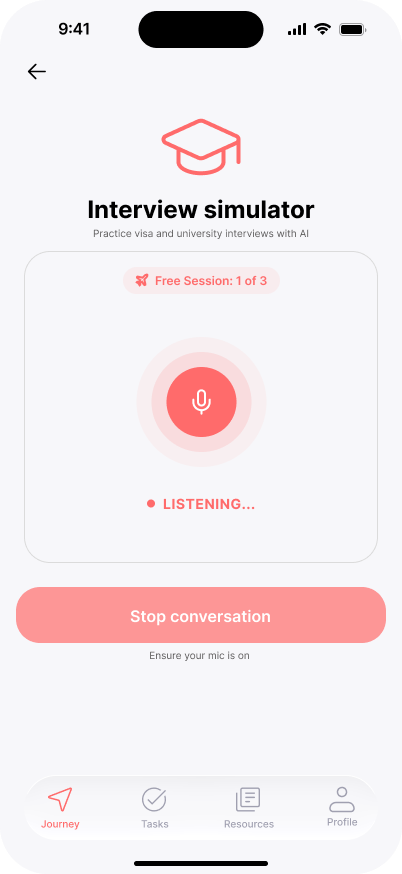
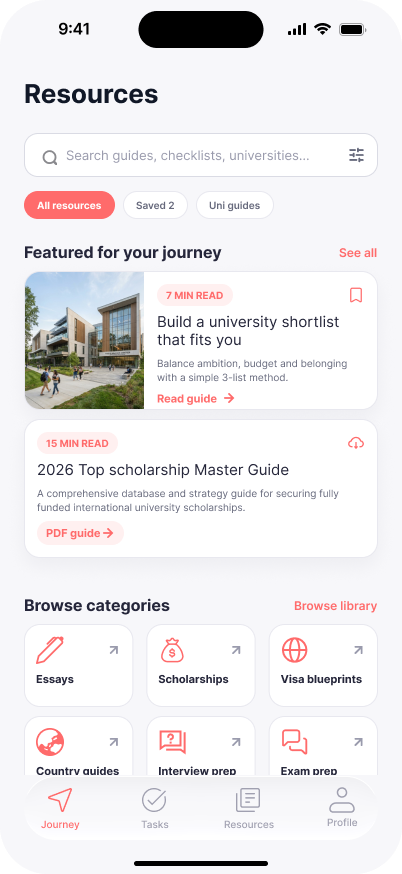
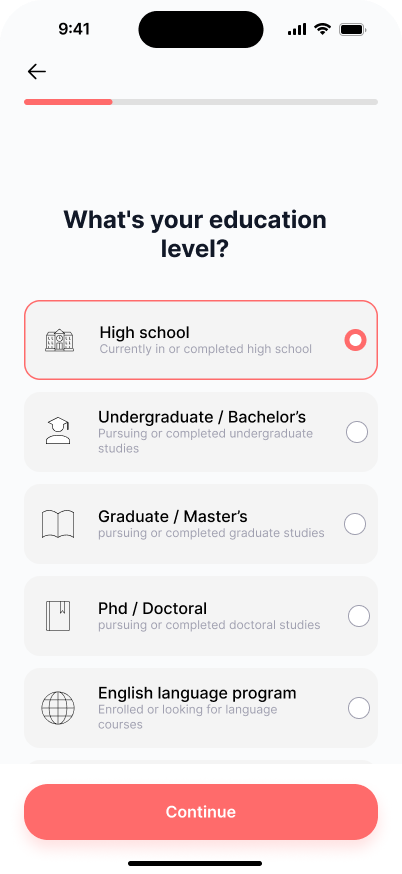
A closer look at the core mobile interface elements
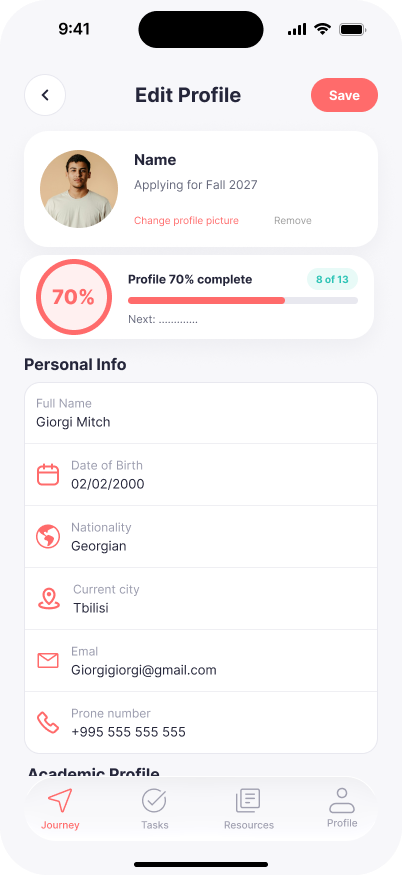
Edit Profile
The profile settings screen allows students to customize their academic identity and preferences within the app ecosystem.
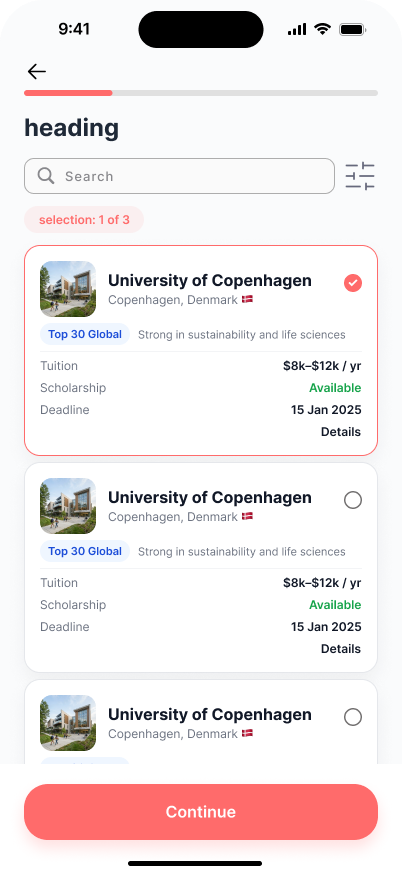
University Discovery
Explore featured universities and academic programs with a structured browsing experience designed for discovery.
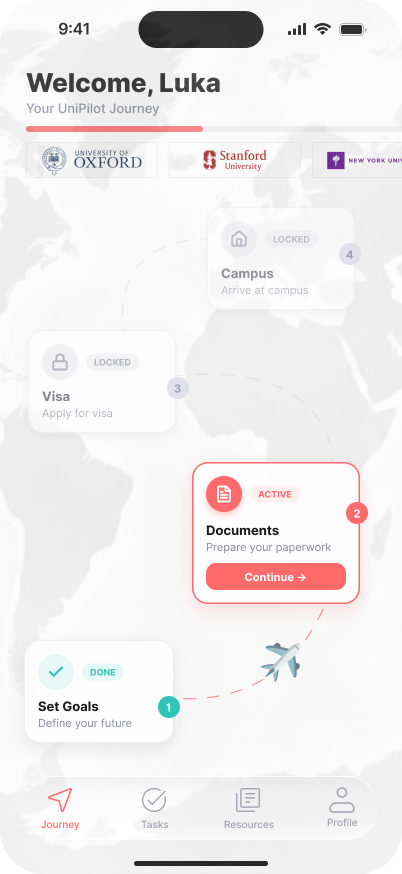
Main Dashboard
The core UniPilot dashboard provides a comprehensive overview of academic planning and daily student schedules.
Color Palette
A precise and tactical color system designed for optimal readability and technical clarity across the UniPilot platform.
Primary Coral
#FF666B
Dark Navy
#25283B
Background
#FAF9F7
Borders
#E9E8ED
Secondary Teal
#2BC6B5